Build a ready-to-print quiz sheet
This lightweight quiz maker focuses on the printable workflow: make a clean student copy, keep a separate answer key, export your draft, and avoid the account setup that slows down many quiz platforms.
Start with a printable template
Preview
Print or export
Make a printable quiz teachers can actually use
Benchmark pages from quiz SaaS, worksheet makers, and AI generators all point to the same job: users want questions, a clean student copy, a separate answer key, and a fast way to print or reuse the source file. This page keeps that workflow on the first screen.
How To Make A Printable Quiz
Start with a title, choose a template, add instructions, choose question types, and review the student sheet before printing. Keep each question short enough to fit on paper and use the answer key to check grading.
Question Types
- Multiple choice for vocabulary, reading, compliance, and product training.
- True or false for quick checks and warm-up questions.
- Short answer for written recall and open response prompts.
Printable Use Cases
- Teacher worksheets with answer keys.
- Homeschool practice quizzes.
- Staff training checks.
- Study group review sheets.
What this page learned from popular quiz tools
Heavy platforms are useful for live classes and analytics, but many teachers just need a printable sheet right now. The design keeps the best parts and leaves out the friction.
No-login printable workflow
Tools like EasyClass and lightweight quiz makers validate the demand for quick creation without forcing an account before the first printable result.
Separate answer key
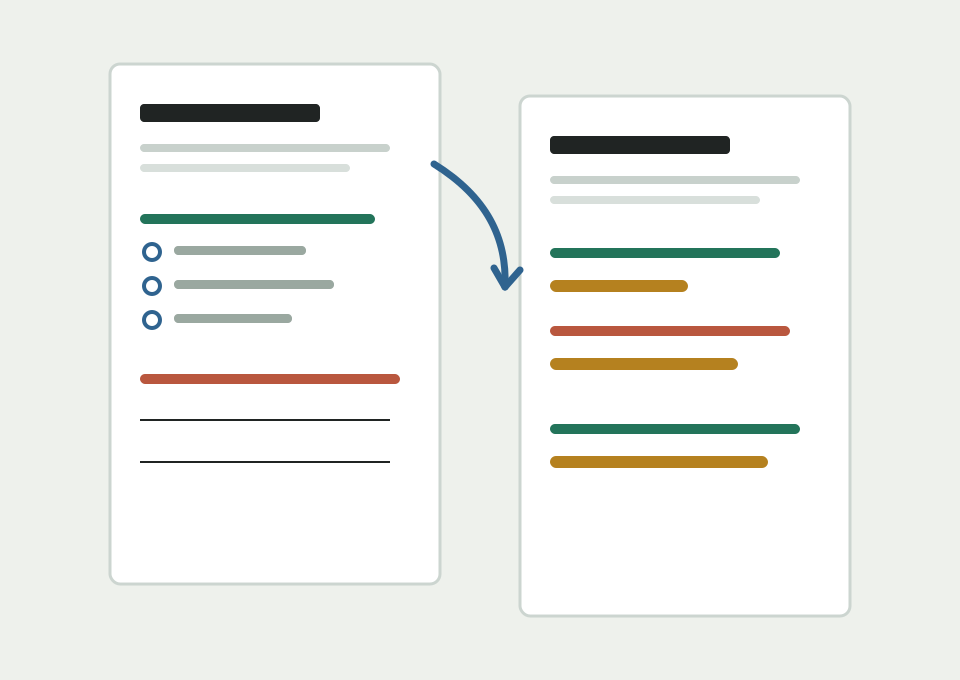
Printable-first tools often separate student copies from answer copies. This page keeps the two previews side by side as tabs.
Export without a classroom system
Large platforms offer gradebooks and reports. This page focuses on reusable Markdown, JSON, and CSV for teachers who already have a workflow.
Simple quiz creation workflow
Large quiz platforms often focus on accounts, live testing, analytics, and student management. This page keeps the first version focused on fast printable output.
Pick a template
Load a classroom, science, or training template to avoid starting from a blank quiz.
Edit questions
Add multiple choice, true or false, and short answer prompts with points and explanations.
Preview both copies
Check the student quiz and answer key before printing, so the two copies stay aligned.
Print or export
Print the worksheet, print the answer key, or export Markdown, JSON, and CSV for reuse.
What Makes A Good Answer Key
A useful answer key includes the correct choice, accepted short-answer guidance, and short explanations for questions that students or graders may dispute.
Common Mistakes
- Making answer choices too long for one printed line.
- Forgetting to include accepted short-answer examples.
- Mixing too many question types in a short quiz.
- Printing before checking the answer key tab.
Expansion Ideas
- Multiple choice quiz maker.
- Vocabulary quiz maker.
- Practice test maker.
- Answer key generator.
Related printable quiz tool ideas
Printable Quiz Maker FAQ
These answers cover the main search intent behind printable quiz maker, answer key generator, and no signup quiz test maker queries.
Can I make a printable quiz without signing up?
Yes. The builder runs in the browser and stores the draft locally on your device.
Can I print only the answer key?
Yes. Use the answer key tab to preview correct answers and explanations, then print the answer key separately.
Can I export the quiz?
You can export a Markdown draft for editing, a JSON file for saving and reusing the quiz data later, or a CSV file for a spreadsheet workflow.
Is this an online test platform?
No. This first version is focused on printable quizzes and answer keys, not student accounts, live sessions, or grade books.
Does it support quiz templates?
Yes. The page includes starter templates for vocabulary review, science concept checks, and staff training quizzes.
Where is my quiz saved?
The draft is saved in your browser's local storage on the device you are using. It is not uploaded to a server.